

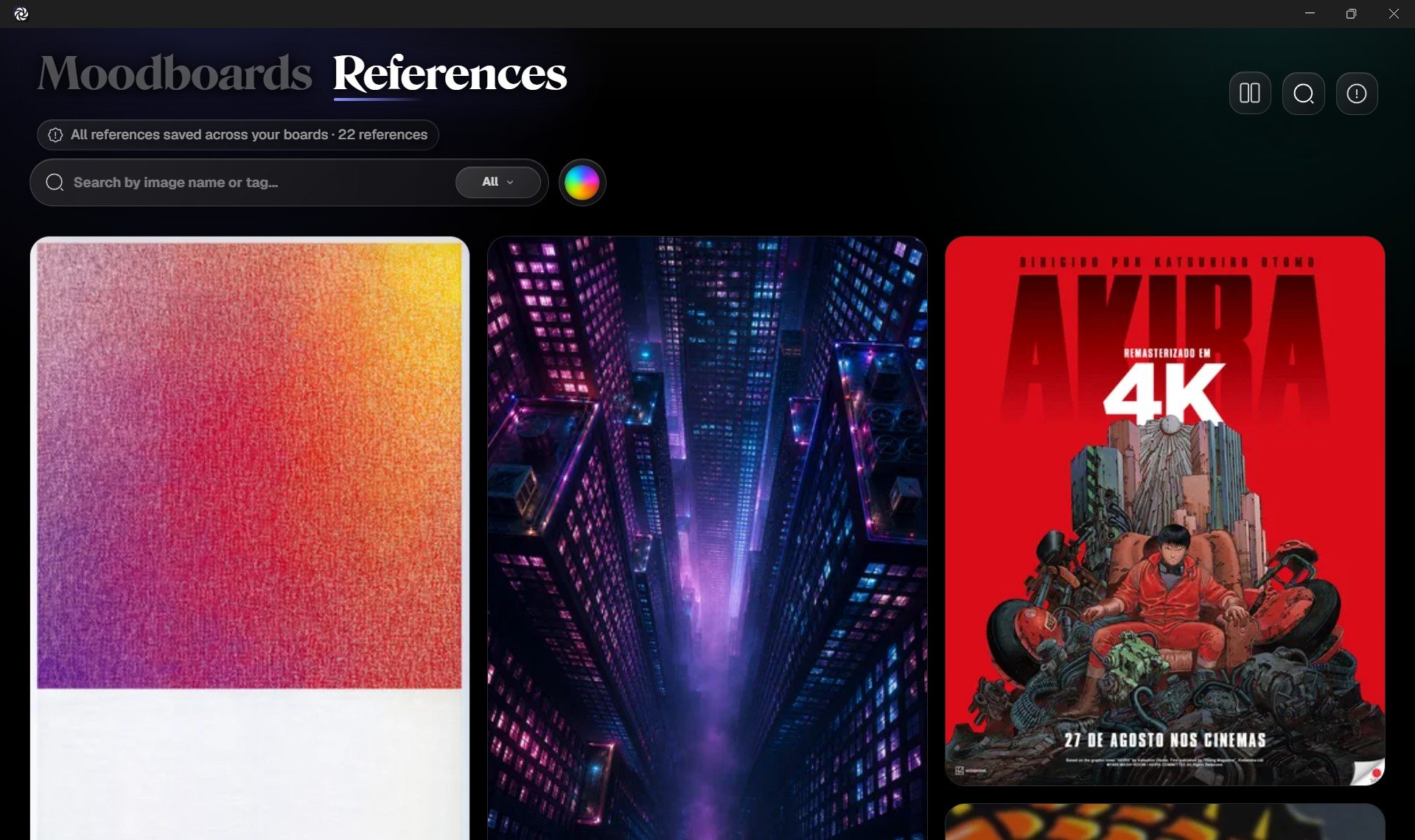
Search by name or tag
Type in the search field to find references by image name or saved tags. This is useful when you remember what something is called, what project it belongs to, or a word you added as a tag. Examples:armorneonportraitmaterialsvehicle
Filter by board
Use the board filter to show references from a specific board.
Filter by color
Use the color filter to browse references by color family.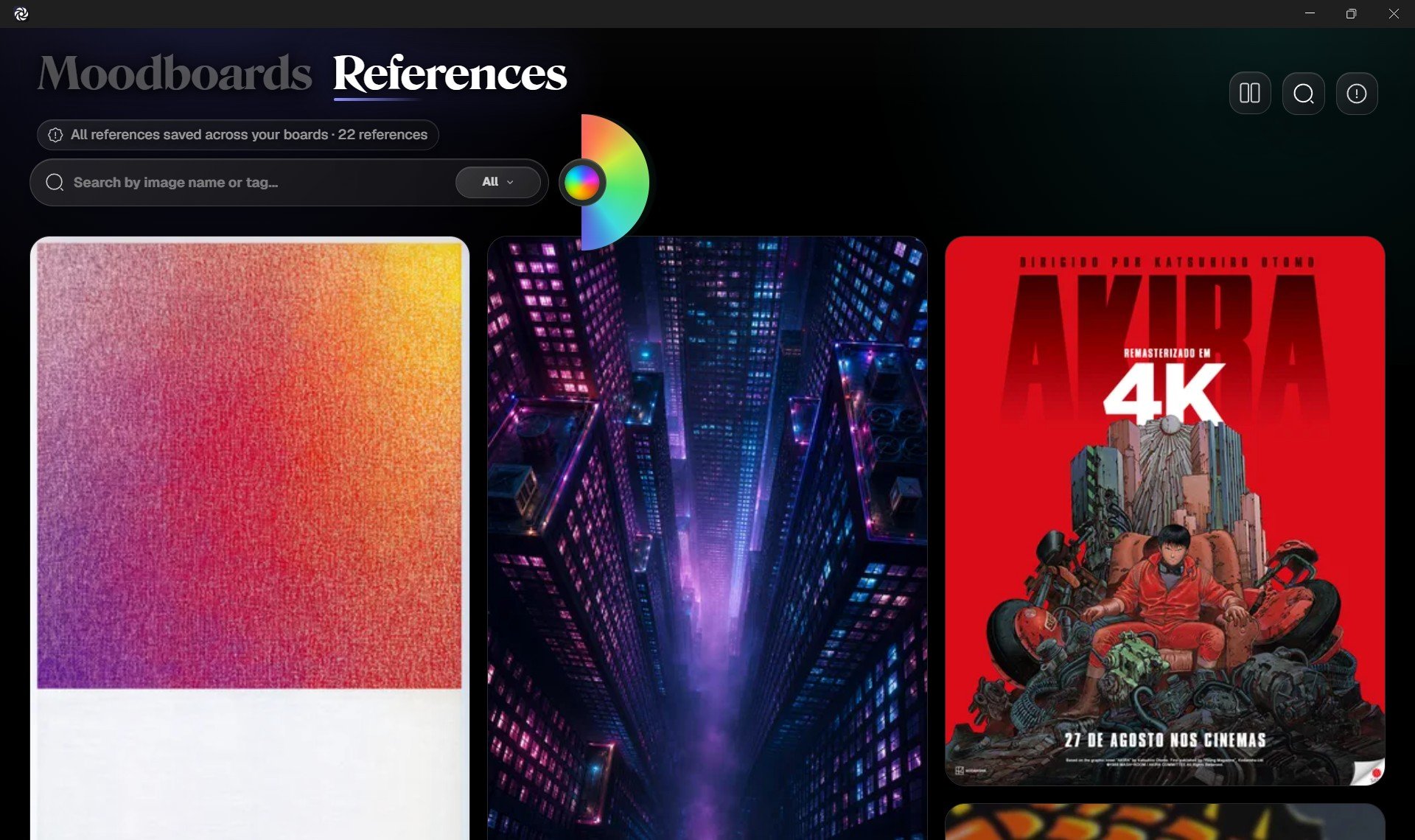
Use the color wheel
The color filter uses a half color wheel so you can browse references visually by hue.- Scroll with the mouse wheel to rotate through hues.
- Drag or swipe by touch to slide through colors.
As you move through the wheel, Grafite updates the Reference Wall to show images that match the selected color family.
Combine filters
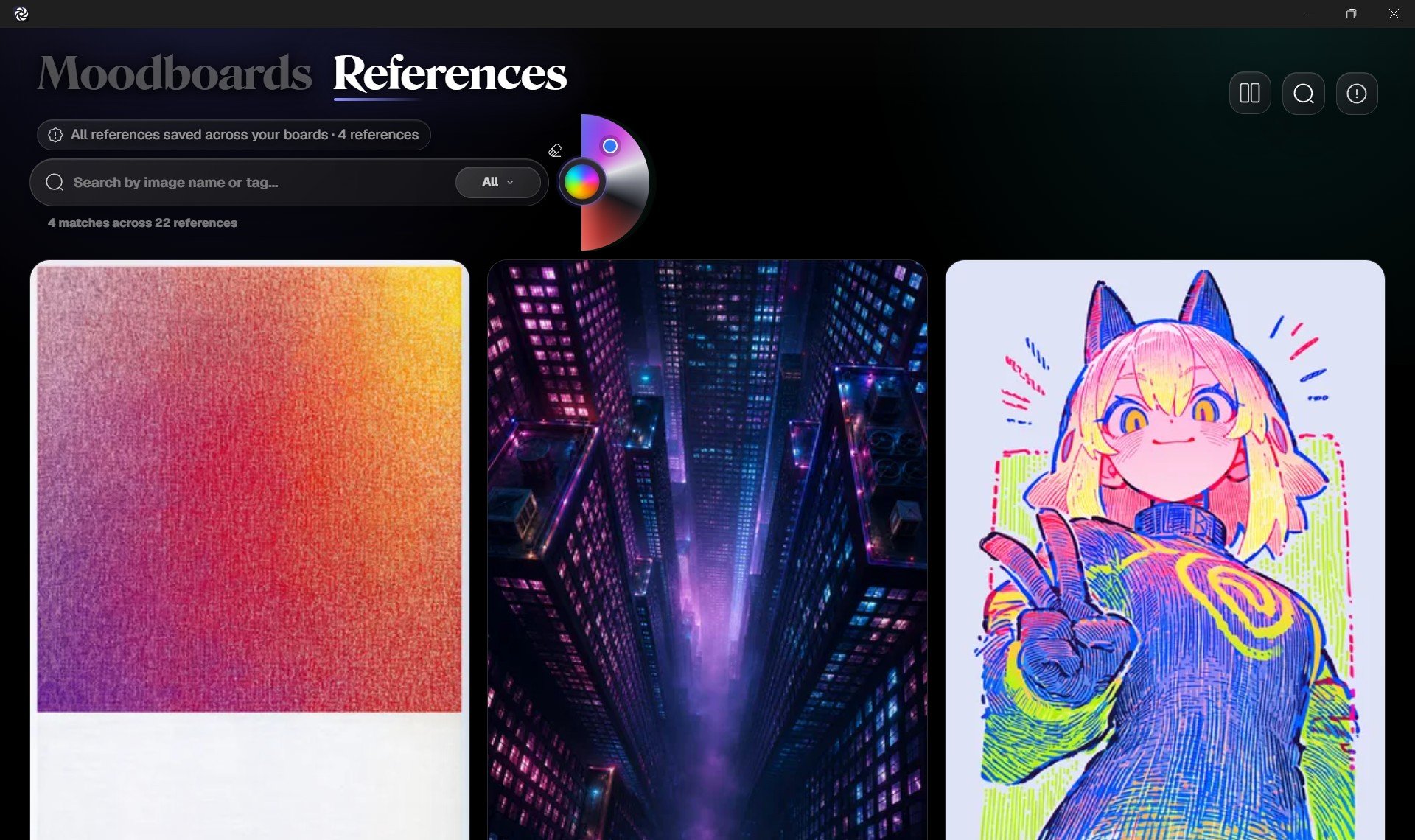
Search filters can work together. For example, you can:- Search for
city. - Filter to a specific board.
- Narrow results to blue or dark references.