

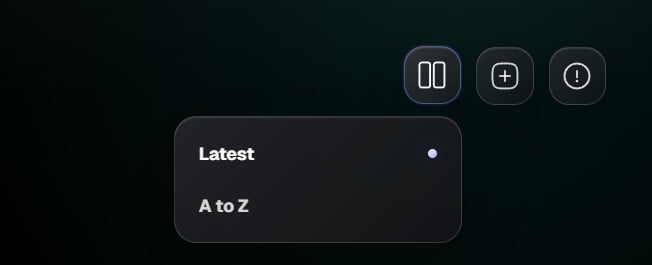
Sorting options
- Latest shows recently updated boards first.
- A to Z sorts boards alphabetically by title.
How to use it
- Click the Organize boards button in the top right.
- Choose a sorting option.
- Grafite updates the board order immediately.
Change how boards are sorted on the Home screen.