

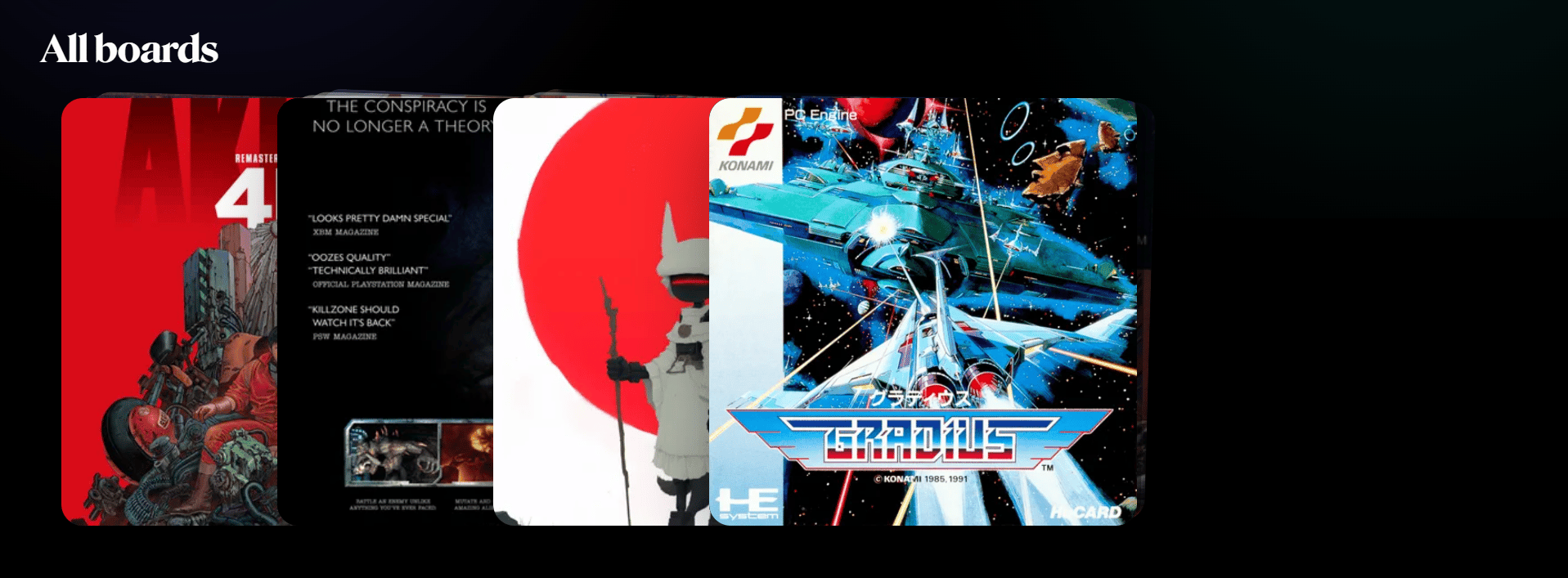
The All boards section shows every moodboard in your Grafite library. Each board is a visual collection. You can use boards to gather references for a project, art direction, character, environment, product idea, visual style, or anything else you want to organize.
Boards 1

What you can do here

  1. Browse all boards in your library.
  2. Open a board to view and manage its references.
  3. See a preview of the images inside each board.
  4. Quickly compare different visual directions.
  5. Use Organize boards to change the board order.

Opening a board

Click any board to open it. Inside a board, you can add images, rename references, reorder items, remove references, set a cover image, and inspect references in Focus View.