

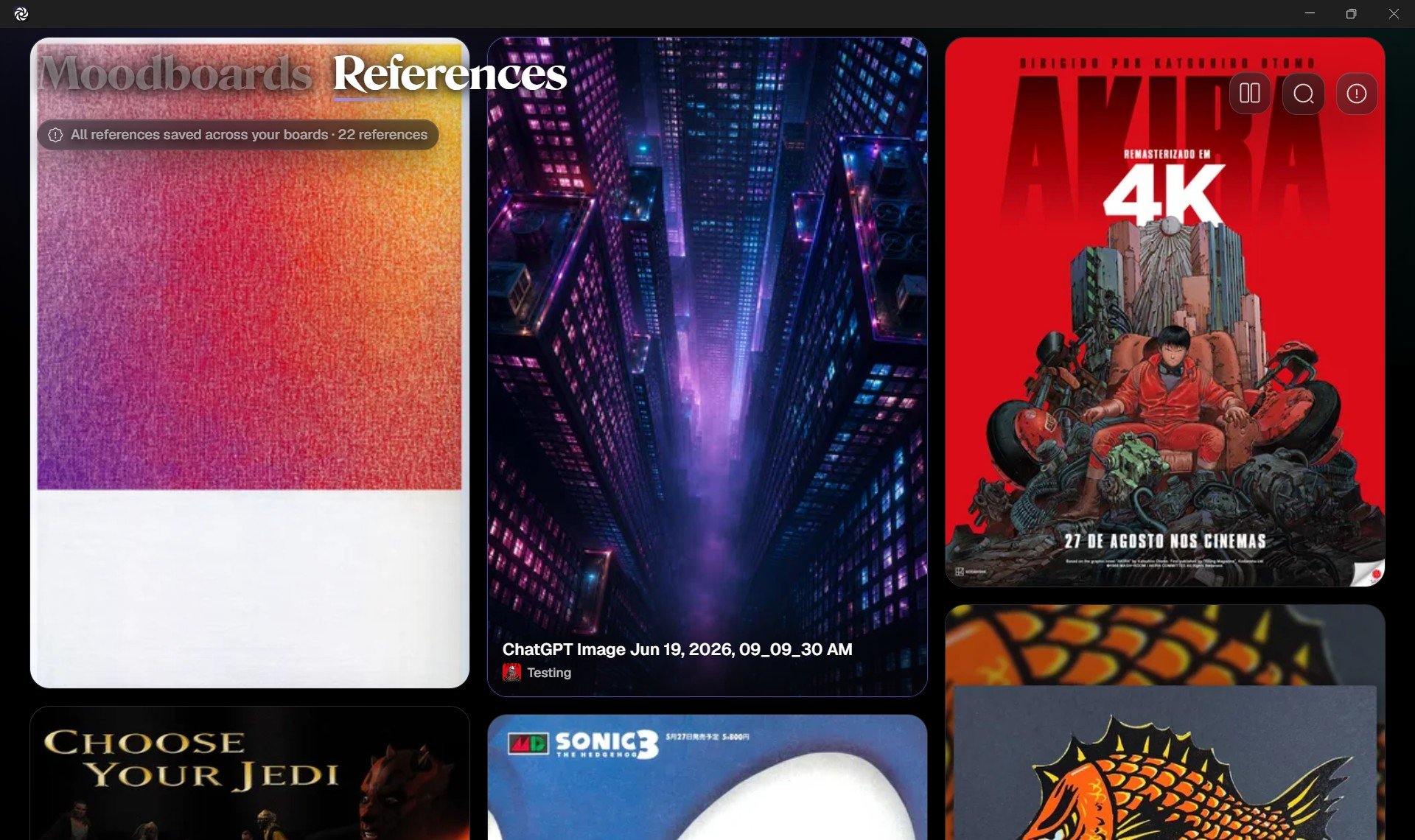
The Reference Wall
The References screen uses a spacious Reference Wall layout. Images fill the screen in a visual grid so you can scan by feeling, shape, color, and composition, not only by file name. This is useful when you are looking for inspiration, rediscovering older material, or noticing connections between boards.What you can do here
- Browse all references saved across your boards.
- Search by image name or tag.
- Filter references by board.
- Explore references by color family.
- Open any image in Focus View.
- Sort references by newest, oldest, or title.