
Documentation Index
Fetch the complete documentation index at: https://help.grafite.app/llms.txt
Use this file to discover all available pages before exploring further.
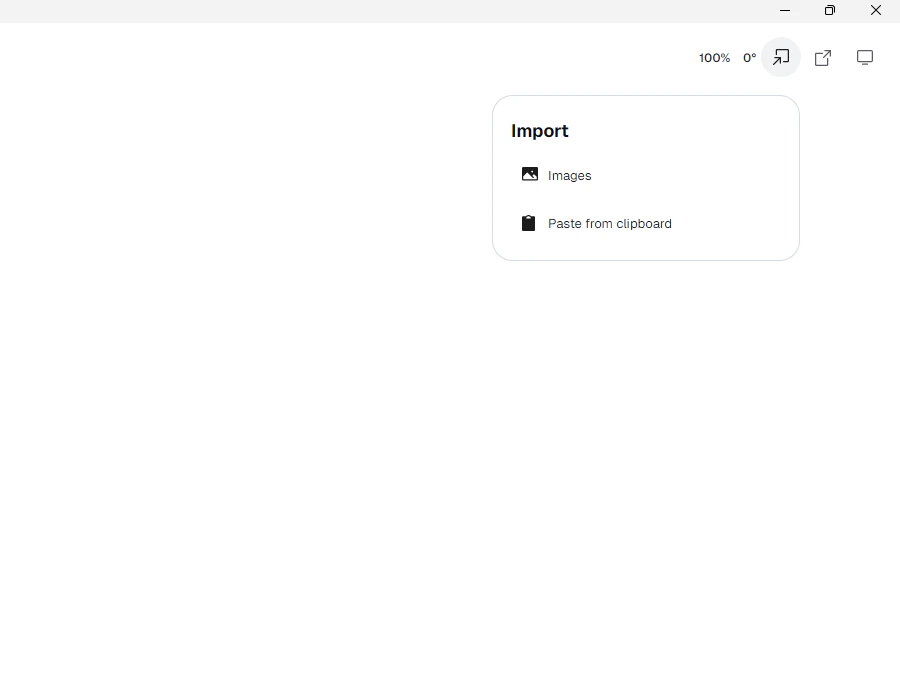
The Import button has two choices.
-
Images: imports a picture file. -
Paste from clipboard: imports an image that is already copied.
Image file import currently supports:
-
.png -
.jpg -
.jpeg -
.webp
When you import an image:
-
Grafite makes a new layer called
Imported. - The picture appears ready to place.
- Drag it to where you want it.
- Click outside the picture to lock it in place.
After an image is already placed:
-
Hold
Ctrland drag the image to move it with the mouse. - On touch, press and hold on the image, then drag to move it.
- On touch, lift your finger when the image is where you want it.