
Documentation Index
Fetch the complete documentation index at: https://help.grafite.app/llms.txt
Use this file to discover all available pages before exploring further.
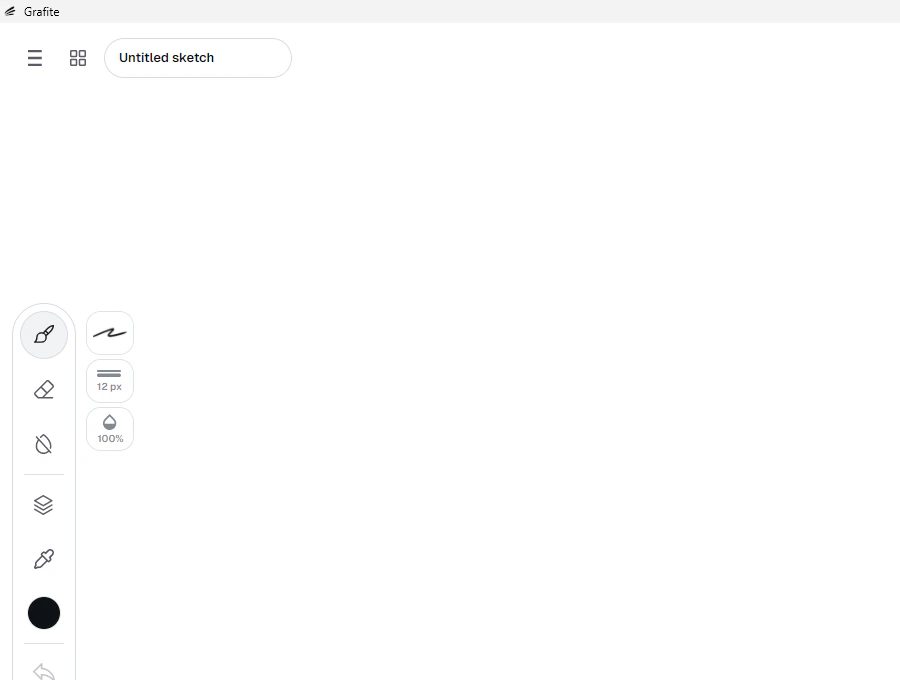
The four-squares button on top left opens the Gallery.
- The Gallery shows your recent sketches.
- Clicking a sketch card opens it.
Clear recent filesremoves the recent items from the Gallery list.- The big
+button in the Gallery makes a new canvas. - Grafite keeps recent sketches in the Gallery automatically when you switch sketches or go back to the Gallery.
Sketch name box
- The name box is where you name your sketch.
- Press
Enterto keep the new name. - Press
Escapewhile typing to go back to the old name. - This name is also used when Grafite suggests an export file name.