> ## Documentation Index
> Fetch the complete documentation index at: https://help.grafite.app/llms.txt
> Use this file to discover all available pages before exploring further.
# Recently Added
> Quickly return to the newest references added to Grafite.
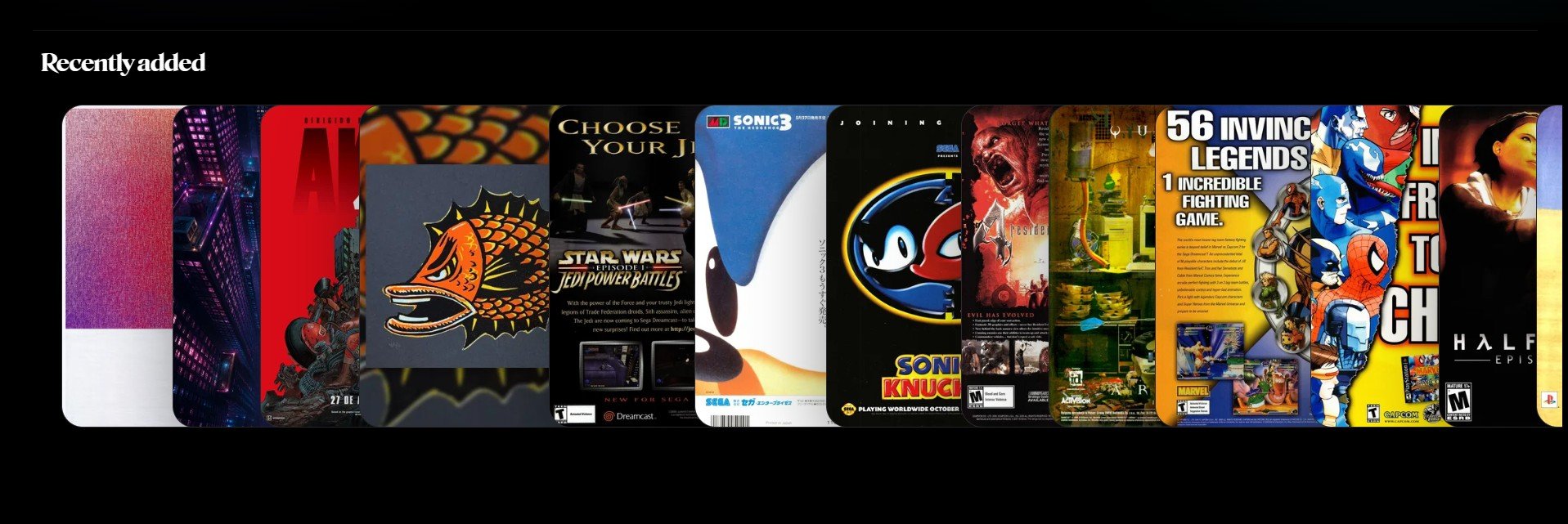
The **Recently added** section shows the newest reference images saved to your Grafite library.
It helps you quickly return to images you just imported, saved, or added to a board.
 ## What you can do here
1. Review your newest saved references.
2. Open a reference in Focus View.
3. Jump back into recent visual research.
4. Quickly inspect images after importing them.
5. Use it as a lightweight history of recent additions.
## When this is useful
Use **Recently added** after importing a group of images or folders. It gives you a fast way to check that your latest references were added correctly.
## What you can do here
1. Review your newest saved references.
2. Open a reference in Focus View.
3. Jump back into recent visual research.
4. Quickly inspect images after importing them.
5. Use it as a lightweight history of recent additions.
## When this is useful
Use **Recently added** after importing a group of images or folders. It gives you a fast way to check that your latest references were added correctly.